Tips for Lists in BoxNCase Partners Admin
In this guide, you’ll get an overview of lists in BoxNCase Partners including filters, searching, and more. Each domain in the BoxNCase Partners Admin, such as products or orders, has a list view displaying the items in that domain. Generally, you can apply advanced filters, search for items, and sort items.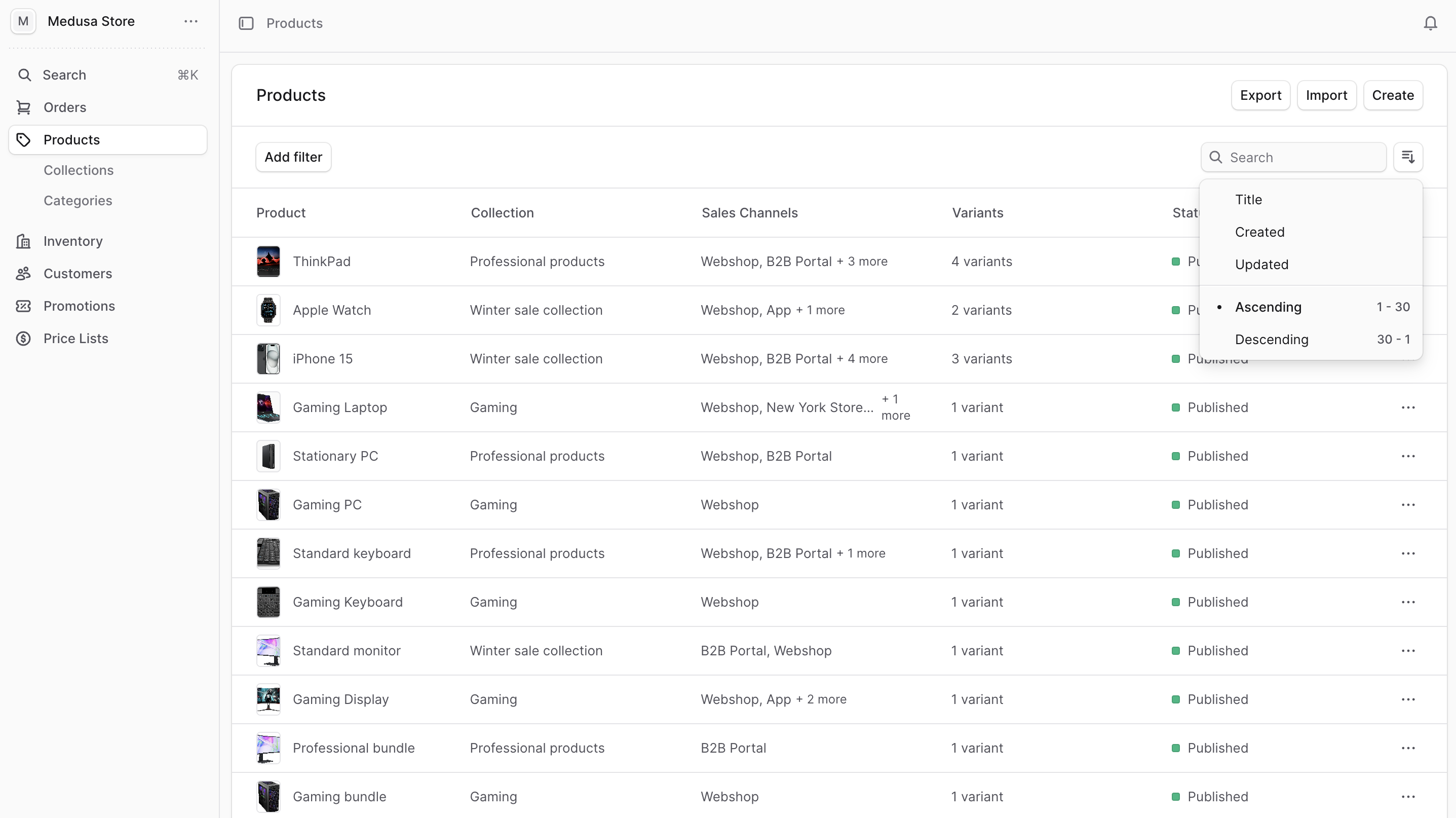
Filter Items
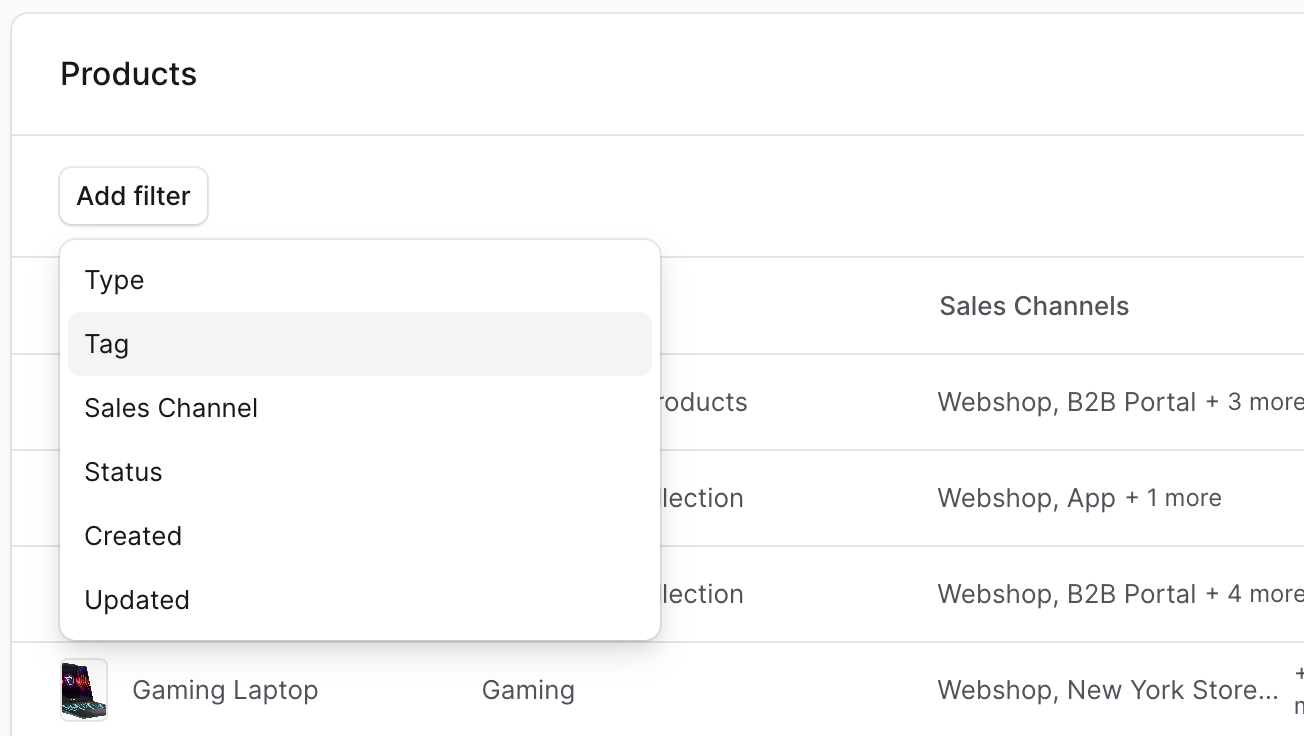
Use filters to retrieve items in a list matching specific criteria. To do that:- Click on the “Add filter” button at the top of the list.
- From the dropdown, choose the criteria you want to filter by, such as Tag.
- This shows a new set of values to filter the list by. Select the value(s) you want to filter by.
Clear Filters
To clear all applied filters, click on the “Clear all” link at the end of the list of filters.Search Items
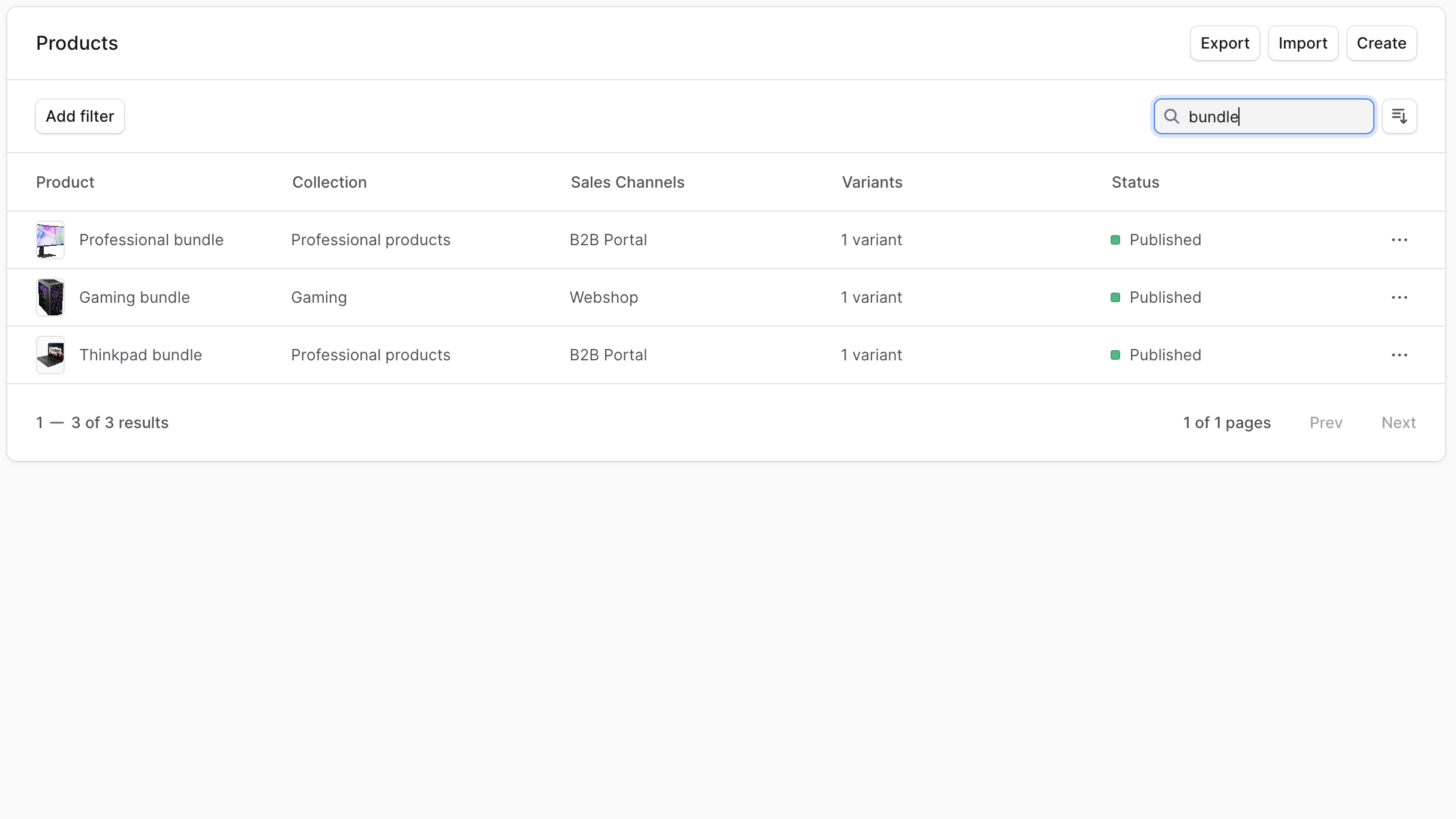
To search for items in a list:- Click the search input at the top right of the list.
- Enter your search term. The list is updated in real-time with items matching the search query.
Sort Items
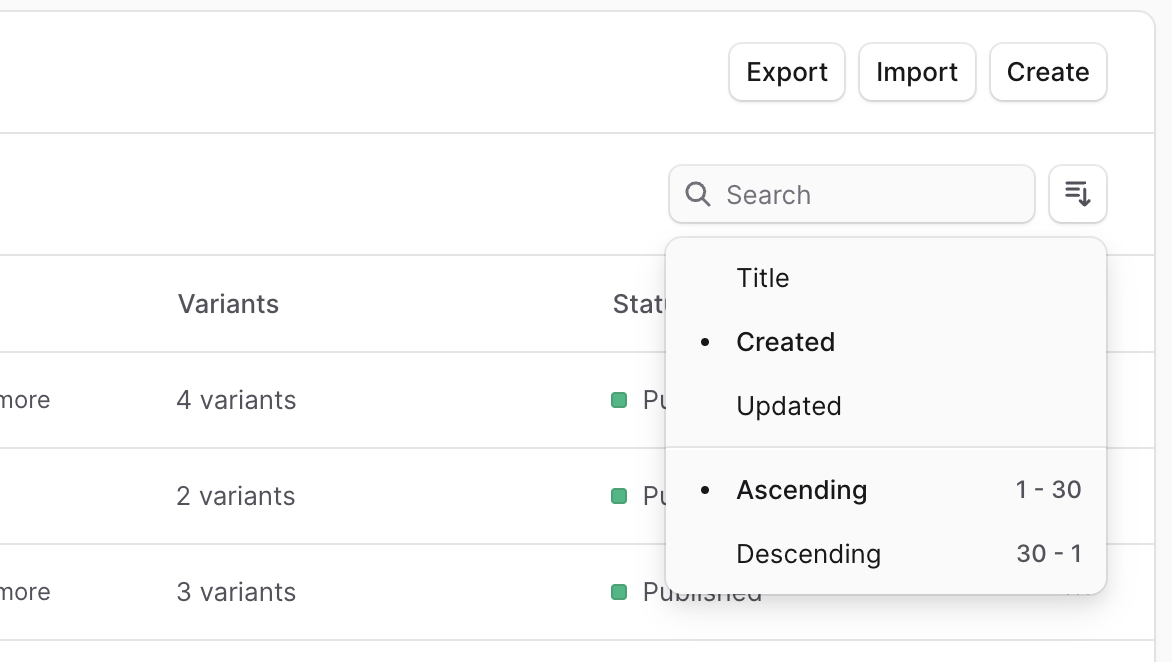
To configure the sorting of items in the list:- Click on the sort button (≡↓).
- Choose the field to filter by (for example, Created date) and the direction of filter (ascending or descending).