Profile Management in BoxNCase Admin
Customize your BoxNCase admin experience with comprehensive profile management. Control personal settings, preferences, and account details to optimize your workflow and maintain account security.Overview
Profile management includes:- Personal account information and settings
- Password and security preferences
- Language and localization options
- Theme and interface customization
- Notification and communication preferences
View Profile Details
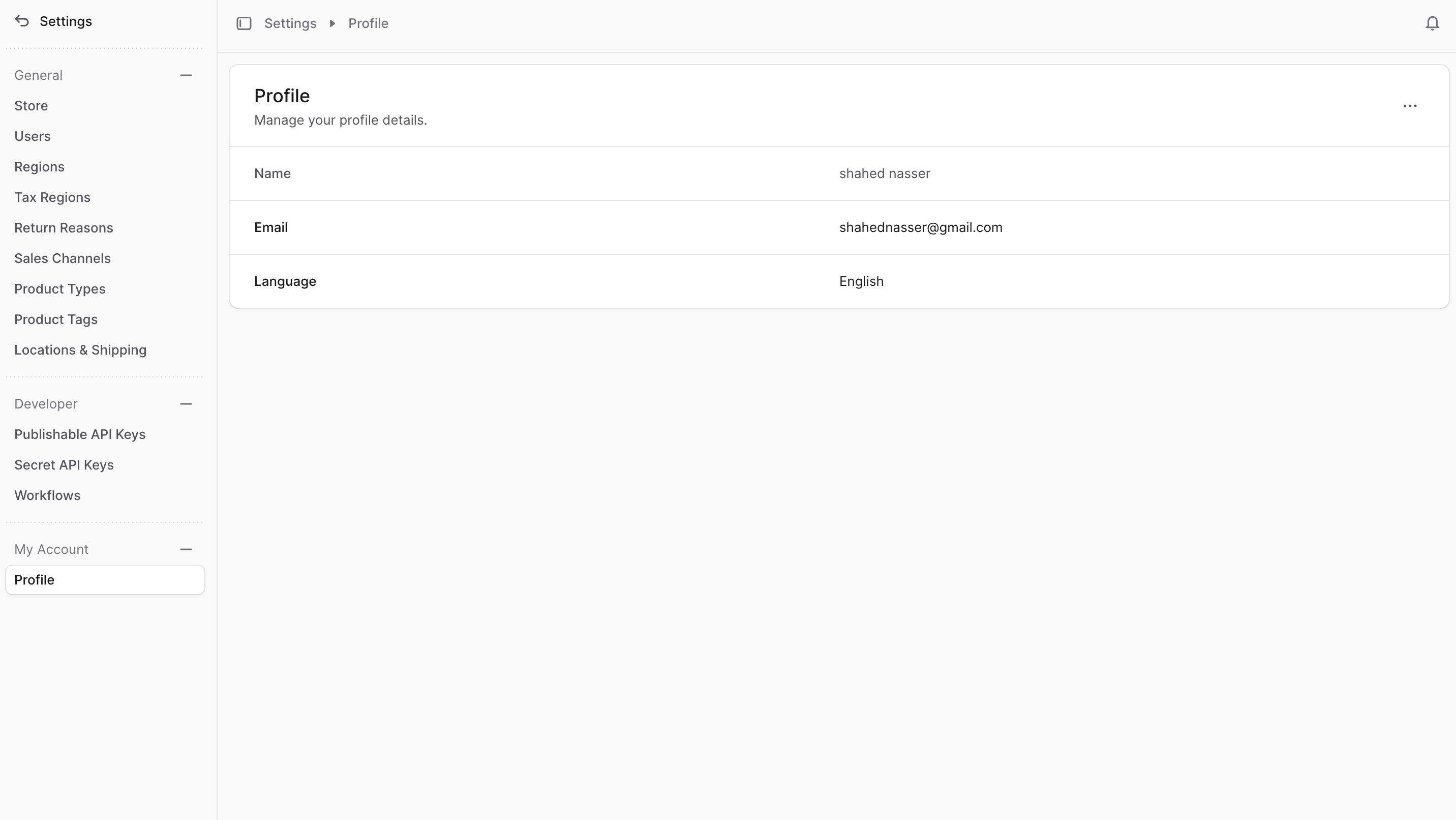
To view your profile details, go to Settings → Profile. You can alternatively click on your name at the bottom right of the sidebar, and choose “Profile settings” from the menu. Profile Information Display: Your profile page provides a comprehensive overview of:- Personal identification details (name, email)
- Account security settings and status
- Language and localization preferences
- Administrative role and permissions
- Account activity and session information
- Integration settings and API access
Edit Profile Details
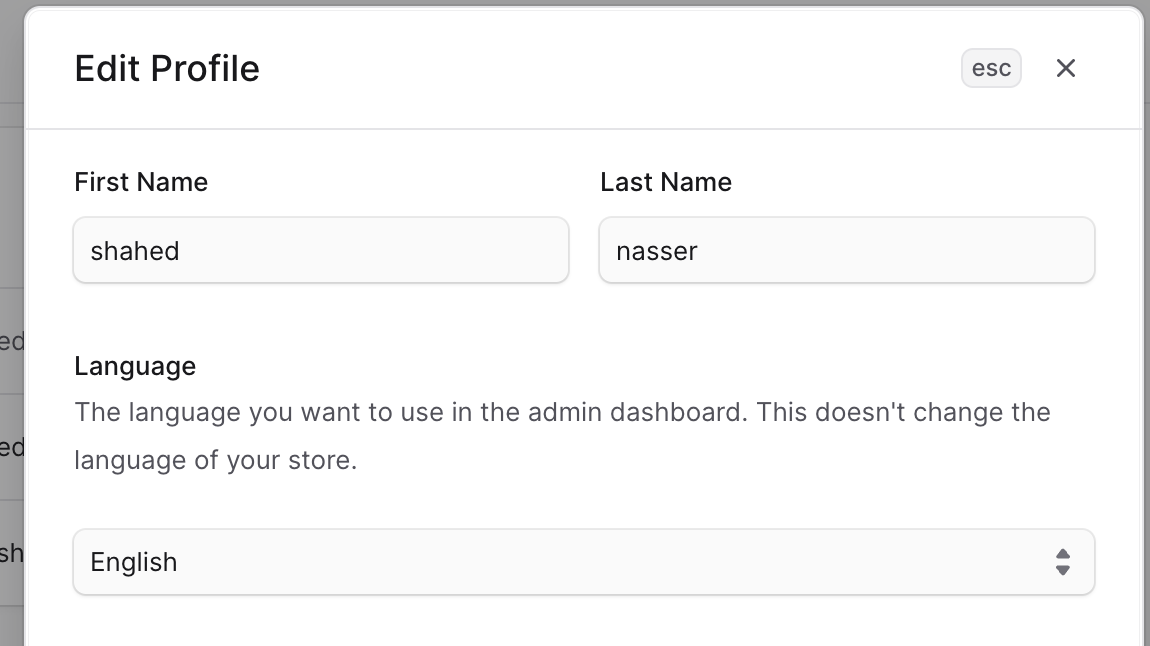
To edit your profile details and settings:- Go to Settings → Profile.
- Click the ⋯ icon at the top right of the page.
- Choose “Edit” from the dropdown.
- Profile Customization Options:
- First and last name for identification
- Display preferences and formatting
- Contact information updates
- Profile photo or avatar settings
- Admin interface language selection
- Individual user preference (doesn’t affect others)
- Separate from customer-facing store language
- Regional formatting for dates and numbers
- Language changes apply only to your admin interface
- Store language settings remain unchanged
- Other admin users maintain their own language preferences
- Changes take effect immediately upon saving
- Once you’re done, click the Save button.
- Community-driven translation efforts
- Opportunities to contribute missing languages
- Quality assurance and review processes
- Recognition for translation contributors
- Advanced theme customization options
- Notification preference controls
- Dashboard layout personalization
- Accessibility settings and options
- Two-factor authentication management
- Session and device management